 Bobbin
Swap a meeting for a three-minute video.
Walk through your screen with your face in the corner, then drop the MP4 into Slack, Teams, email or a shared drive.
- Weekly status updates
- Design and doc walkthroughs
- Context for a code review
Bobbin records your screen, a window or a tab with your webcam in a floating bubble, and saves an MP4 straight to your computer. Nothing is uploaded, and there is no account to make.
Coming soon to the Chrome Web Store · Works in Chrome, Edge and Brave on Windows, Mac, Linux and ChromeOS
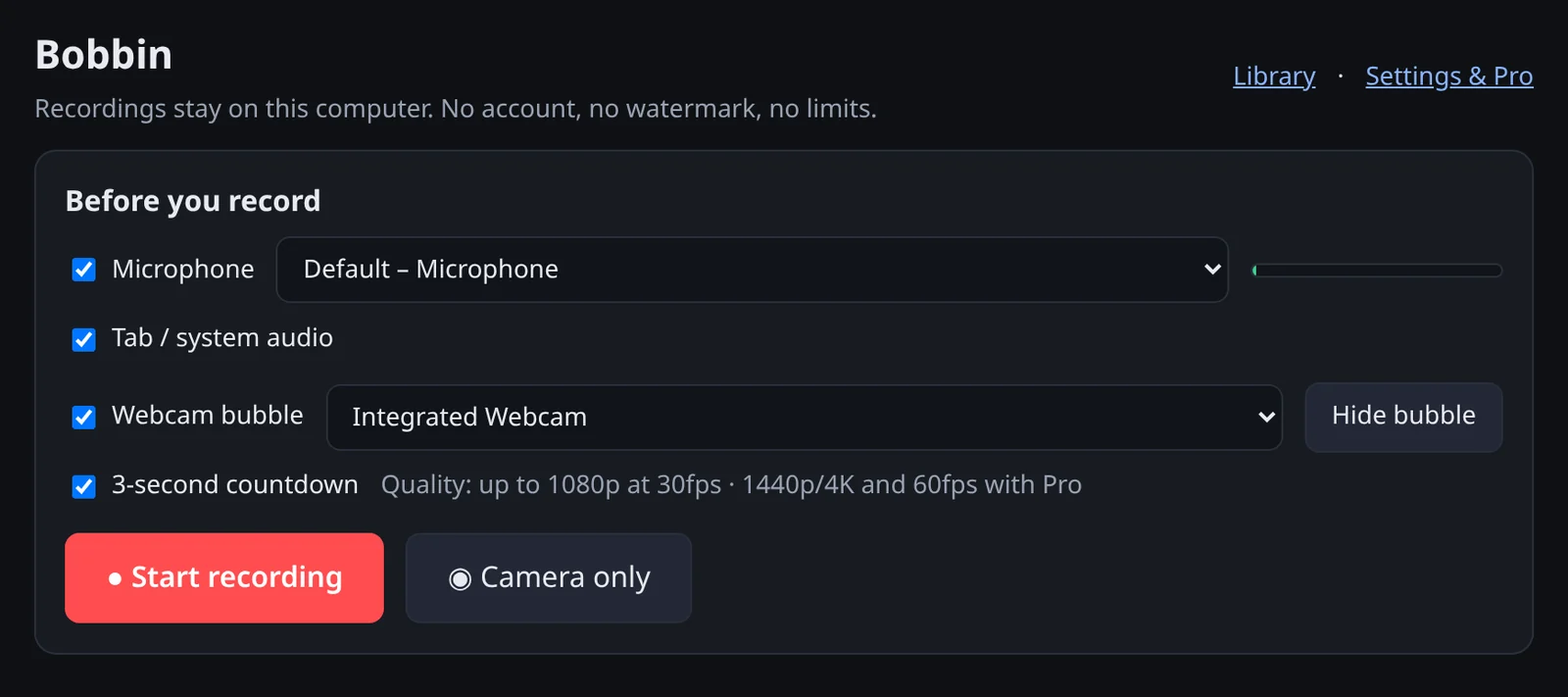
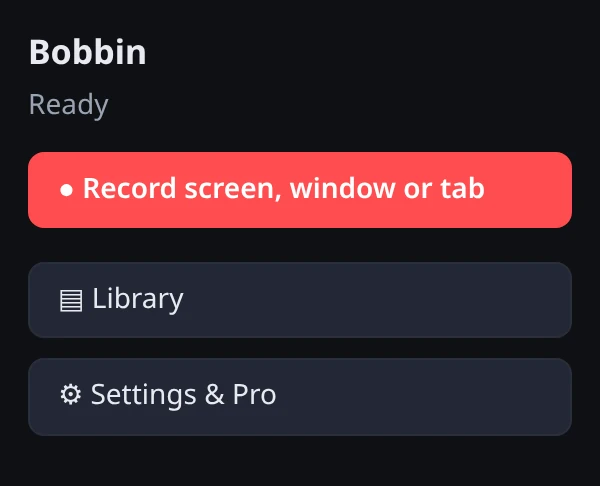

Real screenshots of Bobbin 0.1. The webcam bubble shows Chrome's test camera.
No editor to learn and no upload to wait for. Bobbin lives in your Chrome toolbar.
Pick your microphone and camera, and whether to include tab audio and a 3-second countdown.
Chrome asks whether to record your entire screen, one window or a single tab. Talk, click and show. Pause whenever you need to.
Press Alt+Shift+S or Chrome's "Stop sharing". Your video is in the Library, ready to play or download as MP4.
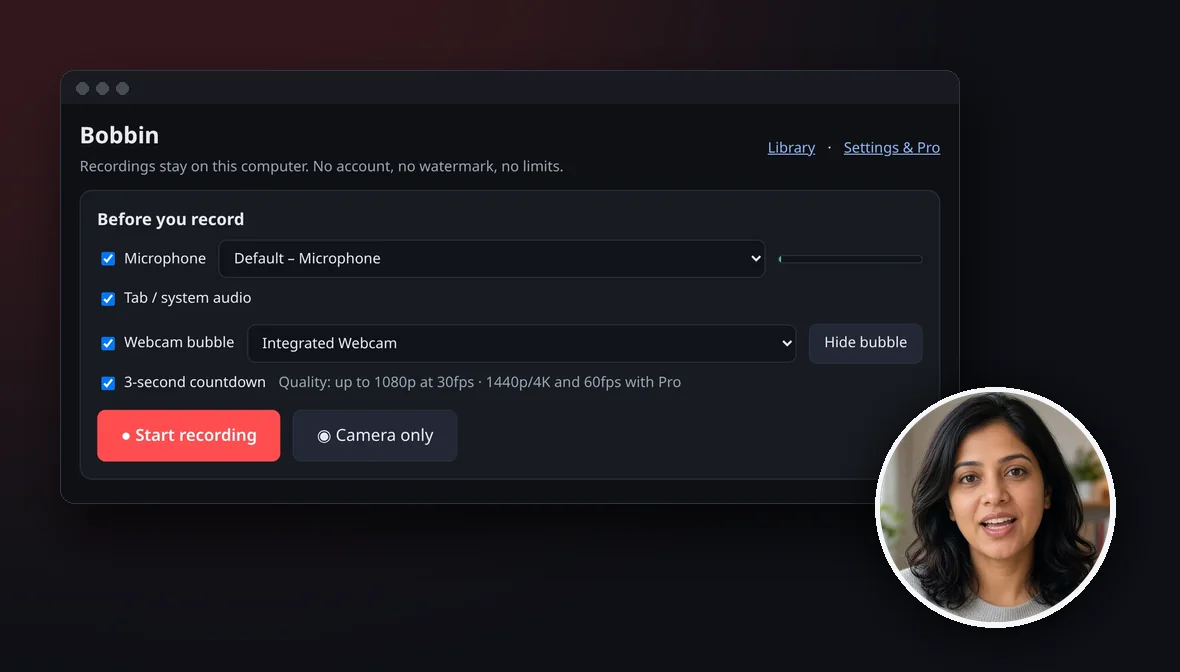
Explain things the way you would in person. The webcam bubble floats above your windows, so it's in every screen and window recording.
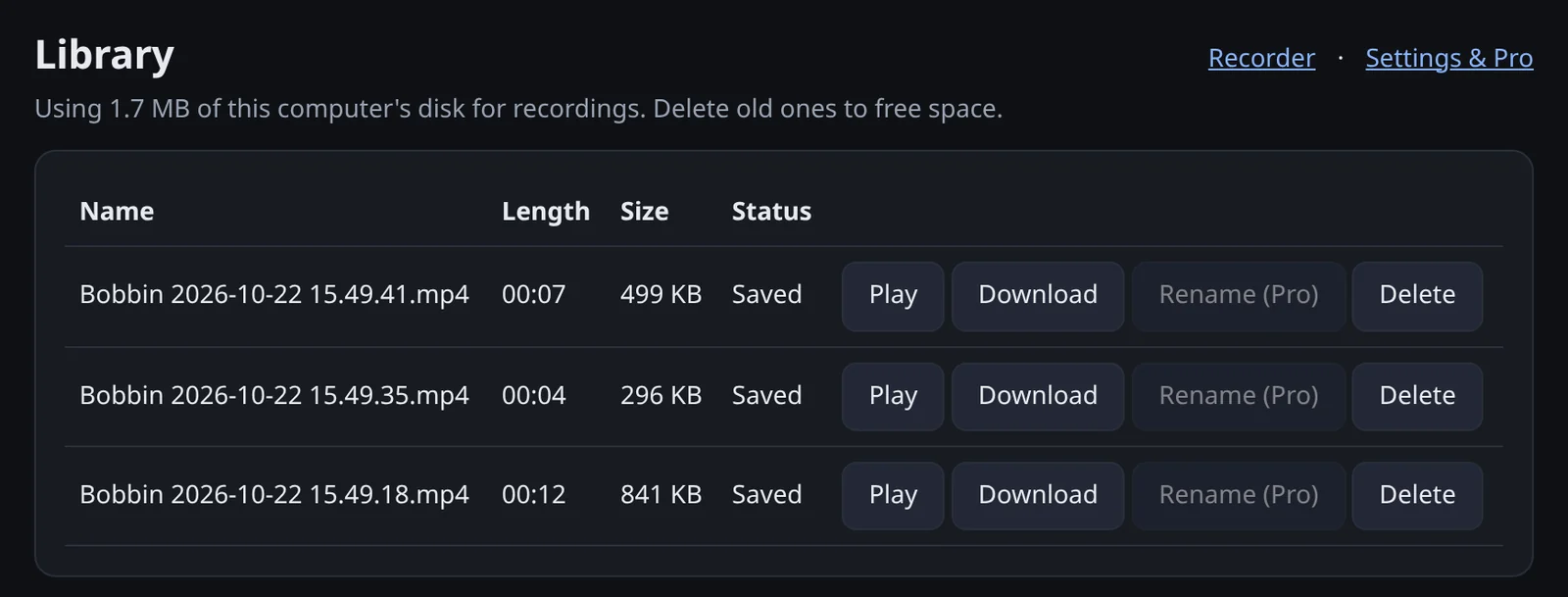
Every video is saved in Bobbin's library inside your browser. Play it, download it as a file, or delete it. Nobody else ever sees it.
Free records up to 1080p at 30fps with no watermark. Pro is for people who record a lot and want sharper video and more control.
The free version isn't a demo. These all work today without paying or signing up.
Install it and record. No sign-up, no email, no password.
Free has no watermark, no time limit and no cap on how many videos you make. The only limit is your free disk space.
Saves MP4 where your browser can record it (Chrome 126 or newer), WebM otherwise. Plays in Chrome, Firefox and VLC on any computer.
Your recording is written to disk every second. If Chrome crashes, Bobbin recovers it the next time you open the recorder.
A small always-on-top camera window you can drag anywhere. It appears in screen and window recordings.
Microphone with a live level meter, plus tab audio. Whole-screen system audio works on Windows and ChromeOS.
Pause and resume, a 3-second countdown, and Alt+Shift+S to stop while Chrome is focused.
Free records up to 1080p at 30fps. Pro adds 1440p, 4K and 60fps, where your display and computer can handle it.
Walk through your screen with your face in the corner, then drop the MP4 into Slack, Teams, email or a shared drive.
Record the tab or window where it happens, narrate the steps, and attach the file to the ticket.
No time limit and no watermark, so a long lesson or a how-to for your team comes out clean.
Record a personal walkthrough or review someone's work on screen. Bobbin gives you a file, so you send it however you already share files.
Most video-message tools send every recording to their cloud and ask you to sign up first. Bobbin never receives your video at all, because it has nowhere to send it.
storageunlimitedStoragealarmsThat is the full permission list. No access to the websites you visit, no analytics, no trackers. Read the privacy policy.
Loom, Tella, Vidyard and Tango are great when you want hosted links, editing and analytics. Bobbin is for when you just want a private recording, as a file, with no account.
Swipe sideways to see every tool →
| Feature | Bobbin | Loom | Tella | Vidyard | Tango |
|---|---|---|---|---|---|
| What it is | Chrome extension that records screen and webcam to a file on your computer | Async video messaging platform | Screen recorder with AI video editing | Video messaging and hosting for sales teams | Step-by-step guide creator (screenshots, not video) |
| Account needed | No | Yes, sign-up | Yes, sign-up | Yes, sign-up | Yes, sign-up |
| Where your recordings go | Saved on your computer as MP4 or WebM. Never uploaded. | Loom's cloud, shared by link | Tella's cloud, shared by link; MP4 export | Vidyard's cloud, shared by link | Tango's cloud, shared by link, embed or PDF |
| Free plan | Yes: no watermark, no time limit, no video limit, up to 1080p30 | Starter: 25 videos per person, 5-minute recordings, up to 720p | No free plan; 7-day free trial | Free: 5 videos per month, up to 30 minutes | Free: 5 shared workflows |
| Paid plans from | $4.99/month or $24 once (checkout coming soon) | $18 per user/month (Business) | $13 per user/month, billed annually (Pro) | $59 per seat/month, billed annually (Starter) | $22 per user/month for 1–2 users (Pro, annual) |
| Share links, comments, viewer analytics | No. You share the file yourself. | Yes | Yes | Yes | Yes |
| Editing and AI tools | No | Yes (trim and stitch; AI on Business + AI) | Yes (Auto Cut, Auto Zoom, transcript editing) | Yes (editing tools, AI avatars) | Yes (AI-generated guide text on Pro) |
| Where it runs | Chrome, Edge, Brave and other Chromium browsers on desktop | Chrome extension, desktop and mobile apps | Mac and Windows apps, Chrome extension, web | Chrome extension and more | Browser extension; desktop capture on Pro |
Checked on 22 October 2026 from each company's own pages: loom.com/pricing, tella.com/pricing, vidyard.com/pricing, tango.ai/pricing and their home pages. Prices in US dollars as shown there; plans change often, so check before you decide. Spotted something out of date? Email support@getbobbin.app. All trademarks belong to their owners.
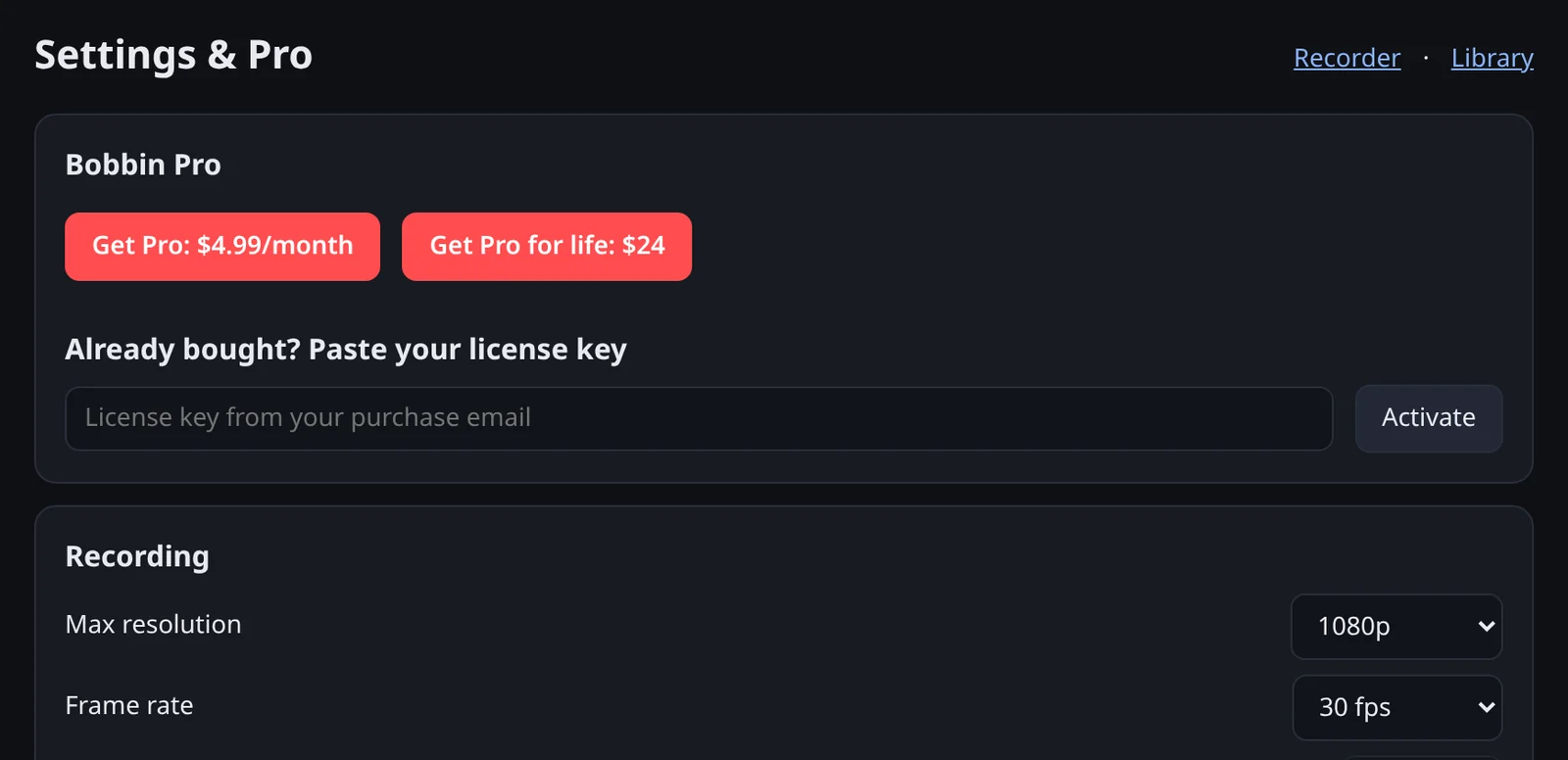
Bobbin Free is complete. Pro adds higher quality and polish for $4.99 a month, or $24 once.
Everything you need to record and keep videos.
Forever. No account.
Add to Chrome — freeHigher quality and more control.
Cancel anytime
See Pro featuresPay once, keep Pro.
No renewals
See Pro featuresPro checkout is coming soon. Free works fully today. Prices in USD; tax may be added at checkout.
No. Chrome extensions don't run on iOS or Android, so Bobbin can't be installed on phones or tablets. It works in Google Chrome, Microsoft Edge, Brave and other Chromium browsers on Windows, Mac, Linux and ChromeOS computers. Safari and Firefox aren't supported.
Yes. The free version has no watermark, no time limit and no limit on the number of videos, and records up to 1080p at 30fps. Pro is optional and only adds extras.
On your computer, inside Bobbin's storage in your browser. Open the Library to play, download or delete them; downloads go to your normal Downloads folder. Removing the extension or clearing its data deletes recordings that you haven't downloaded, so download anything you want to keep.
No. Bobbin has no servers for video, no account, no analytics and no trackers. The only network request it ever makes is checking a Pro license key with our payment provider, and only if you enter one.
Bobbin saves MP4 where your browser can record MP4 (Chrome 126 or newer) and WebM otherwise. Files play in Chrome, Firefox and VLC on any computer. Recordings made on Linux can use Opus audio or VP9 video, which QuickTime and iPhones may not play; files from Windows, macOS and ChromeOS are the most widely compatible.
Tab sound, yes: choose a tab in Chrome's share picker and turn on "Also share tab audio". Whole-screen system audio depends on your operating system: Chrome supports it on Windows and ChromeOS. On a Mac, share a tab to capture its sound.
No. The webcam bubble is a small always-on-top window, so it appears in screen and window recordings. A single-tab recording captures only that tab.
As long as you like. There is no time limit; the practical limit is the free space on your disk.
Download it from the Library and send it like any other file: Slack, Teams, email, Google Drive, Jira and so on. Bobbin doesn't host videos or create share links, which is exactly why nothing leaves your computer.
Pro adds 1440p and 4K, 60fps, webcam bubble size, shape, border colour and mirroring, an auto-stop timer, and custom file names with renaming in the Library. Drawing on the page is planned for a later update. Pro checkout is coming soon; until then everything in Free works fully.
Pro comes with a 7-day money-back guarantee on every payment, lifetime or monthly. Cancelling a subscription stops future renewals at any time. See the Refund Policy.
Only storage, unlimitedStorage and alarms. It has no access to the websites you visit and can't read your browsing history. Chrome asks you each time before your screen is shared, and the first time before your camera and microphone are used.
Something else? Email support@getbobbin.app.
Free, private and saved on your computer. No account, no watermark.